Your first workflow
This is the fastest path from a new workspace to a workflow that runs without you. It follows the example of the panel Get started: a short summary of the AI news of the day, each morning. The example needs no connected account, because your agent can search the web through Toolscaled.
The panel Get started
Section titled “The panel Get started”Your workspace opens on Action items, with the panel Get started beside it. It has three steps, and it counts the steps that are done:
- Connect Claude or ChatGPT: the button Connect an agent opens the page with the connector URL and the steps for each agent. Connect your agent has the steps for each one.
- Connect your accounts: the button Connect an account opens Connections, for example to connect Google.
- Add tools: the button Add tools adds an API, an MCP server, a ready connector, or the Google tools.
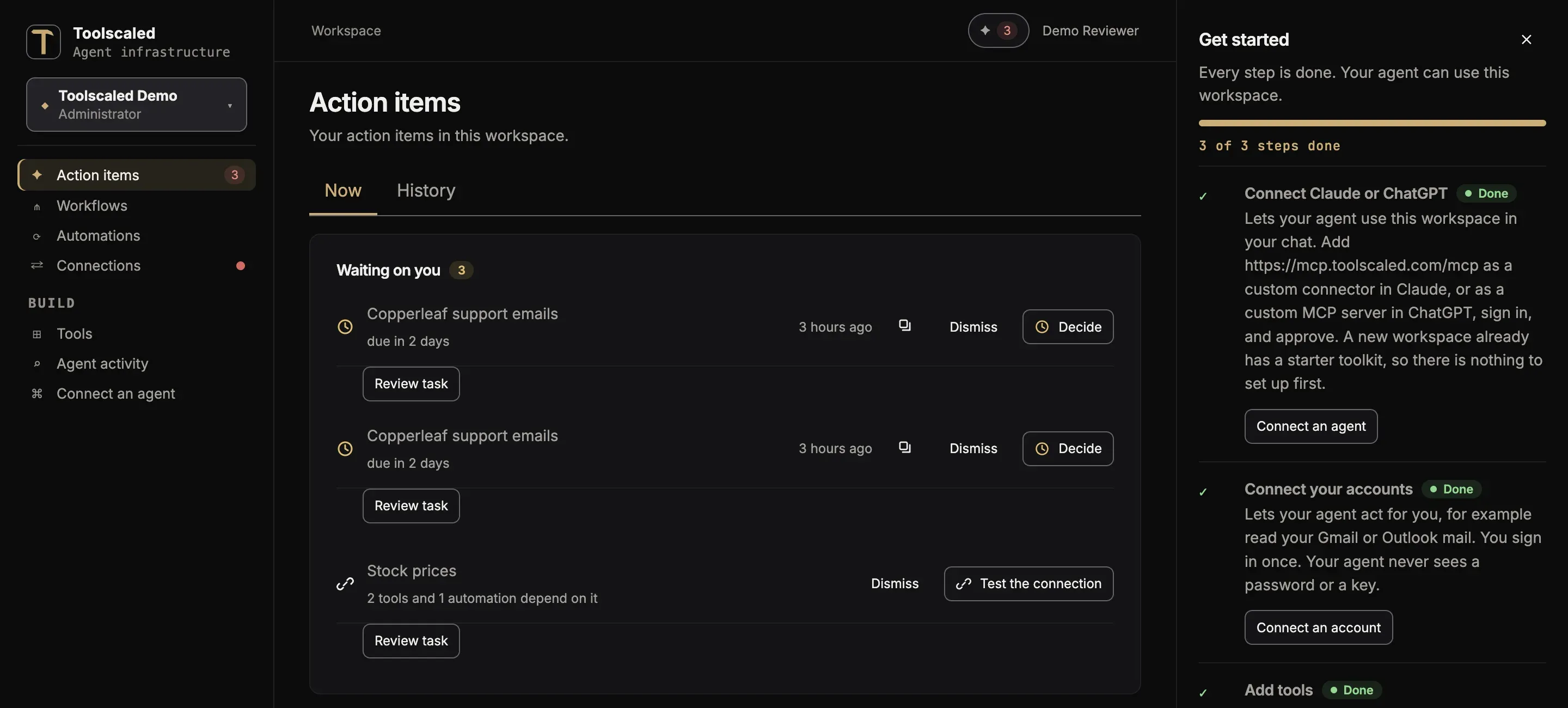
For this example, step 1 is enough. Hide guide closes the panel; Get started in the left bar opens it again.
1. Do the task once in your chat
Section titled “1. Do the task once in your chat”In your chat, type:
Use Toolscaled to find the three top news stories about AI today and summarize them.
The agent searches the web through Toolscaled and gives you the summary. Read it, and ask for changes until the summary is what you want to read each morning. This is the time to be particular: the workflow does the task the way you settle on here.
2. Turn it into a workflow
Section titled “2. Turn it into a workflow”When the answer is right, type:
Turn what we just did into a workflow that runs every morning.
The agent writes the steps of the workflow in words, and asks you what changes from one run to the next. Read the steps, and tell the agent what to change. When they are right, approve them. The agent then publishes the workflow. It shows in Workflows.
3. Test it
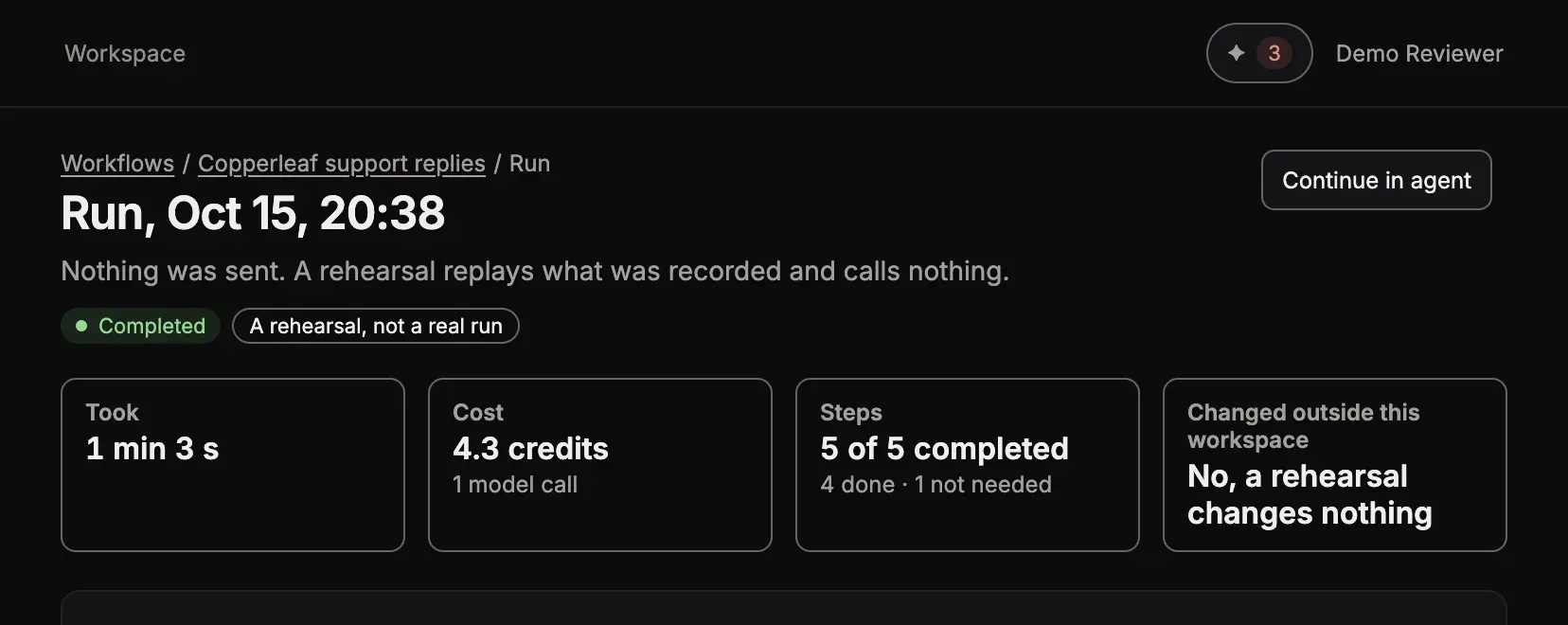
Section titled “3. Test it”Before it runs on its own, see it work once. The agent can make a test run of the workflow. Its page says “A rehearsal, not a real run”. A rehearsal reads your accounts, but it sends and writes nothing: it uses what the first run in your chat sent and wrote. The agent asks you before a test sends a mail or writes to an account for real.
4. Let it run every morning
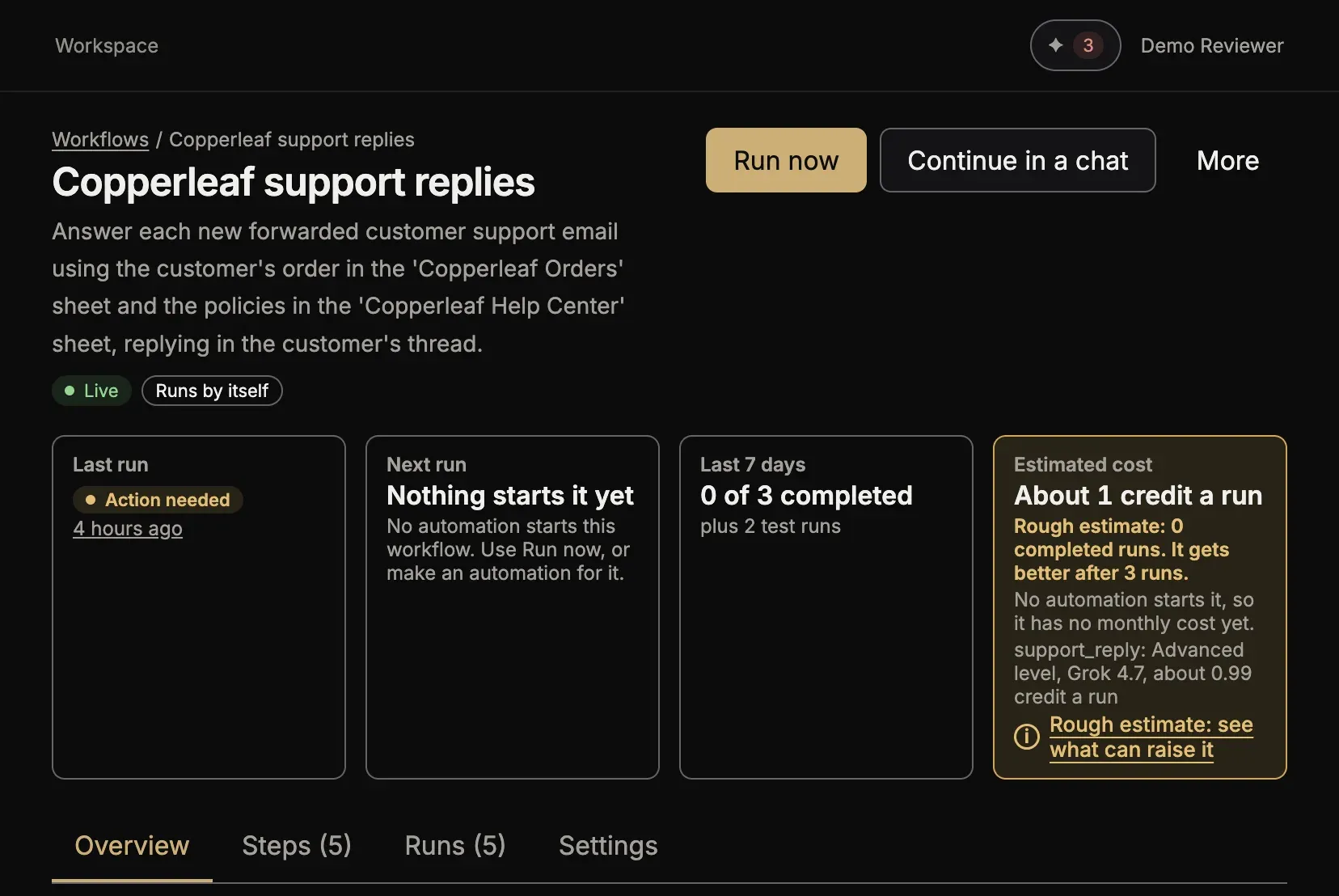
Section titled “4. Let it run every morning”Once the test looks right, the agent makes an automation with the schedule, and asks you before it turns it on. Nothing runs until the automation is on. What starts a run lists the other starts.
What you have now
Section titled “What you have now”Take a moment here, because this is what Toolscaled is for. You now have a workflow that searches the news each morning and writes the summary the way you asked for it, without you. Each run reads fresh news, and the steps stay the same from one morning to the next. To change it later, ask your agent in a chat, as you did when you made it.
5. See its runs
Section titled “5. See its runs”After the first morning, open Workflows, then the workflow. The page shows the last run, the next run and the estimated cost. Open a run to see what each step did and what it cost. Is it running as scheduled? says what to look at each day.