
A ready connector: HubSpot
A ready connector is the shortest way to add a service: Toolscaled has checked it, knows its address and how it signs in, and opens its form filled in. HubSpot is one of them: you sign in with your own HubSpot account.
Add HubSpot on the website
Section titled “Add HubSpot on the website”-
Open Tools in the left bar and select Add tools.
-
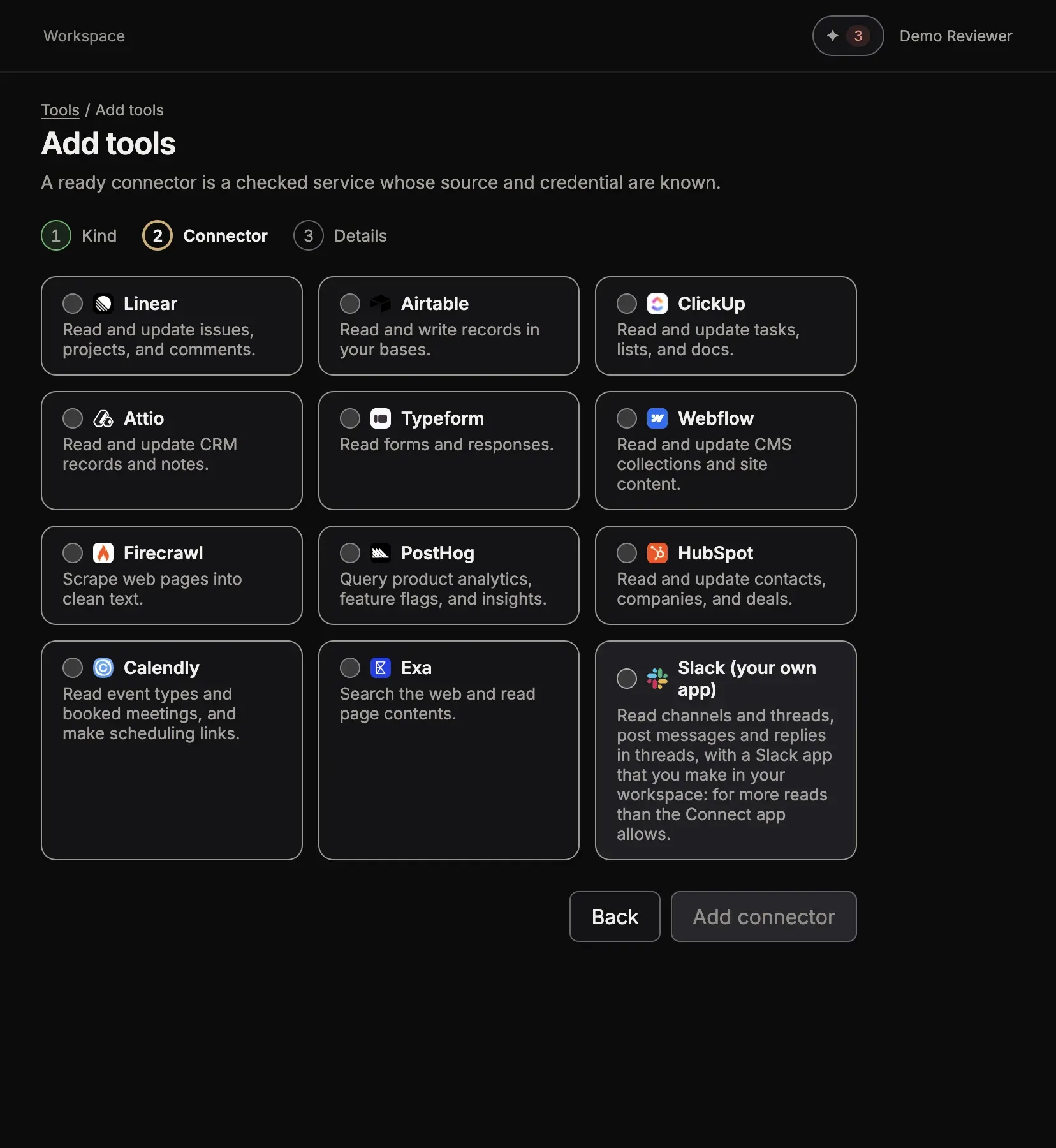
Select A ready connector, then Next.
-
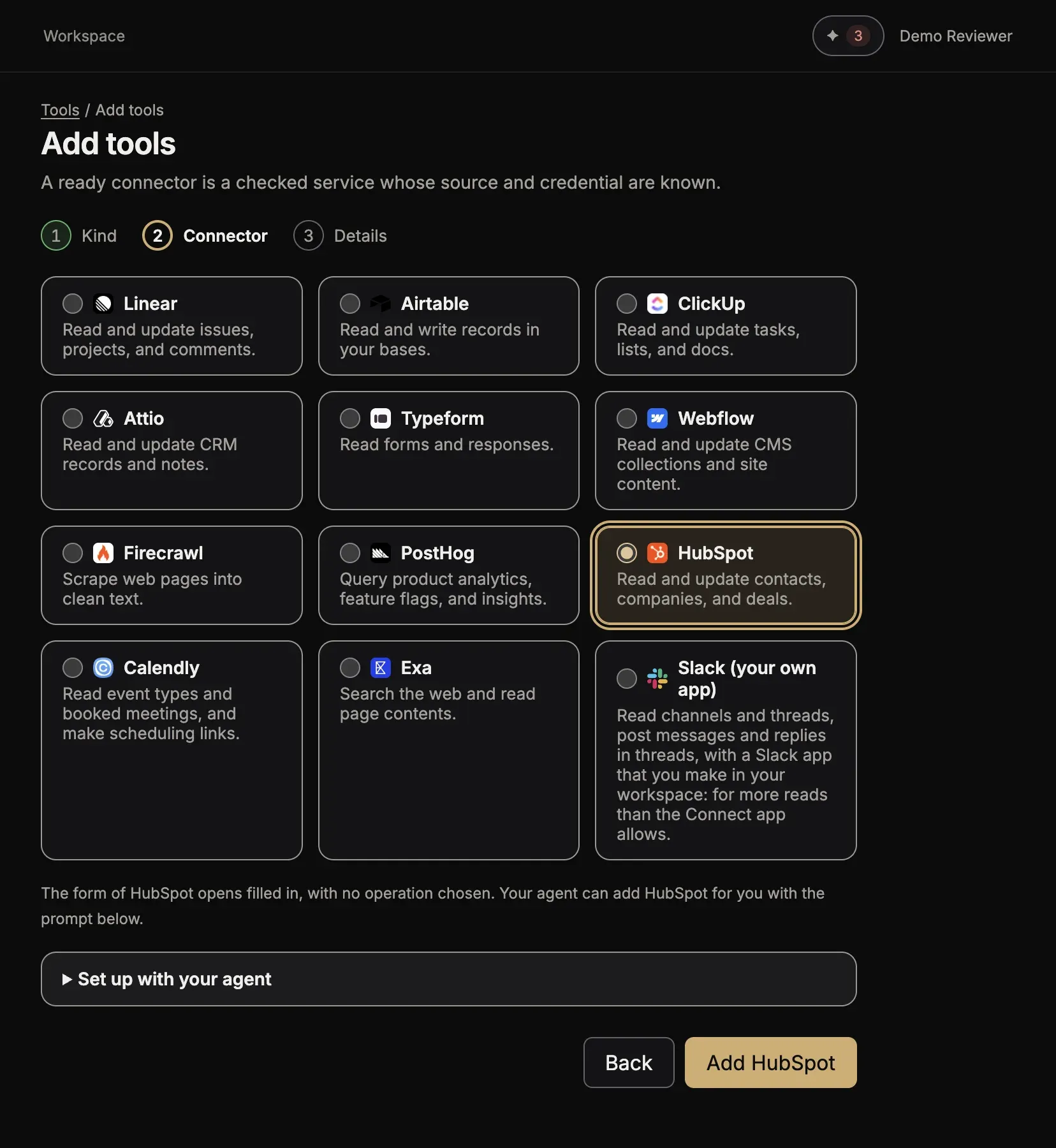
Select the HubSpot card. The prompt Set up with your agent shows below the cards; you can ignore it here.
-
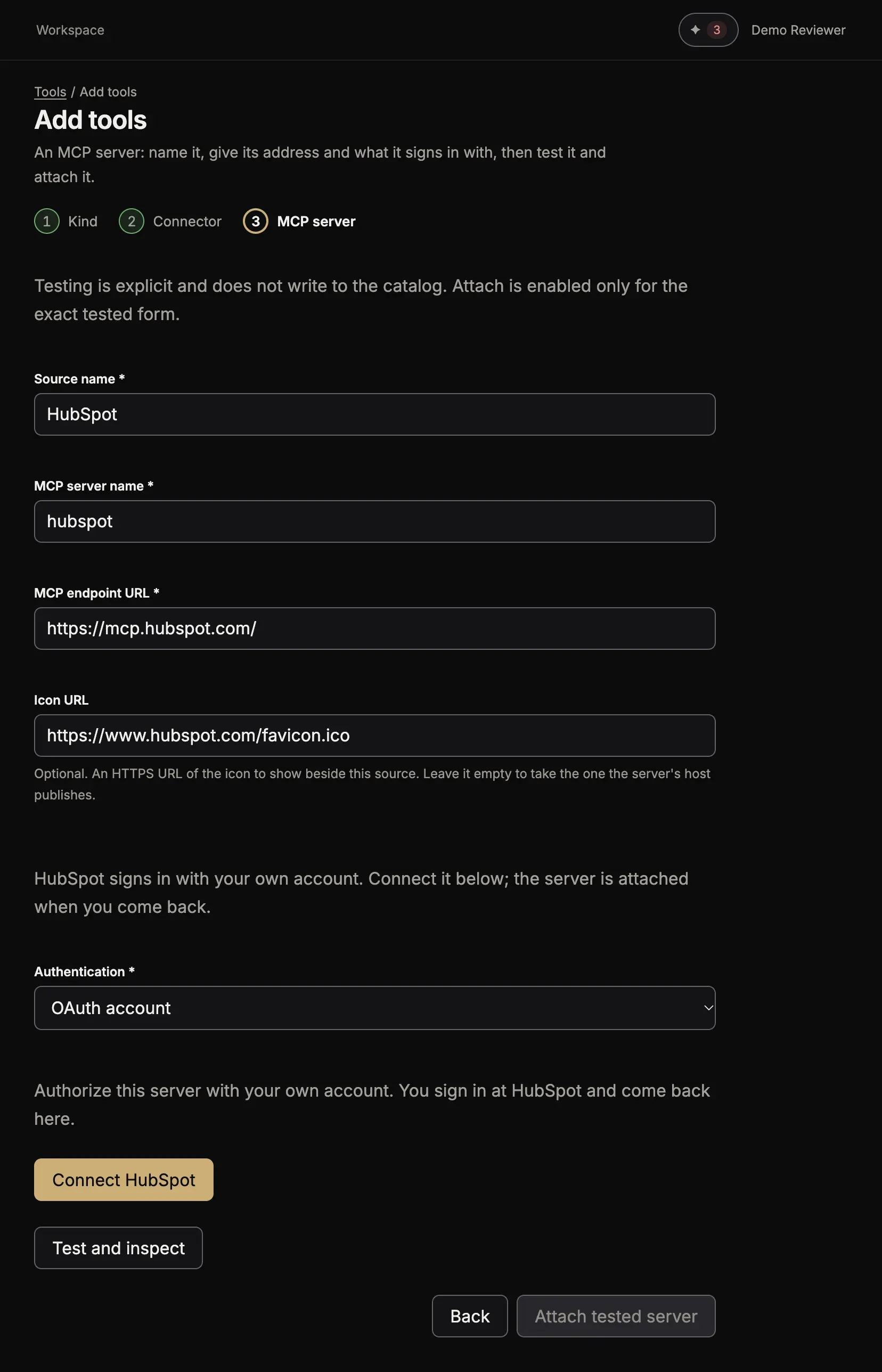
Select Add HubSpot. The form of the MCP server opens with the name and the address filled in, and OAuth account chosen for Authentication. It says “HubSpot signs in with your own account. Connect it below; the server is attached when you come back.”
-
Select Connect HubSpot.
-
On HubSpot’s page, sign in and allow the access.
Once you allow the access, you come back to the form. It says “The account is connected and the source is published.” Select Open MCP servers to see HubSpot in the list.
Add HubSpot from your chat
Section titled “Add HubSpot from your chat”Ask your agent:
Add the HubSpot ready connector in Toolscaled.
The agent finds the connector and gives you a link to the same form, filled in. Open the link, select Connect HubSpot and sign in at HubSpot. The agent never asks for a password or a key in the chat.
When you use Claude, claude.ai may first offer its own HubSpot connector. To use the Toolscaled tools, name Toolscaled in the ask, as above.
Use the tools
Section titled “Use the tools”Ask your agent in plain words. For example:
- “Use Toolscaled to find the HubSpot contact with the email ana@example.com and show me the deals of the company.”
The other ready connectors
Section titled “The other ready connectors”Add tools > A ready connector lists every ready connector, with a line about each. A connector that signs in works like HubSpot. A connector that needs a key opens its form with a help line that says where to get the key. Then add the key as on An MCP server with a token, a password or a key, or as on An API with an OpenAPI document for a connector that is an API.