
Approvals and Action items
A workflow runs without you until it needs you. Action items is the one place that collects those moments: an approval, a decision, or a run that failed.
What waits for you
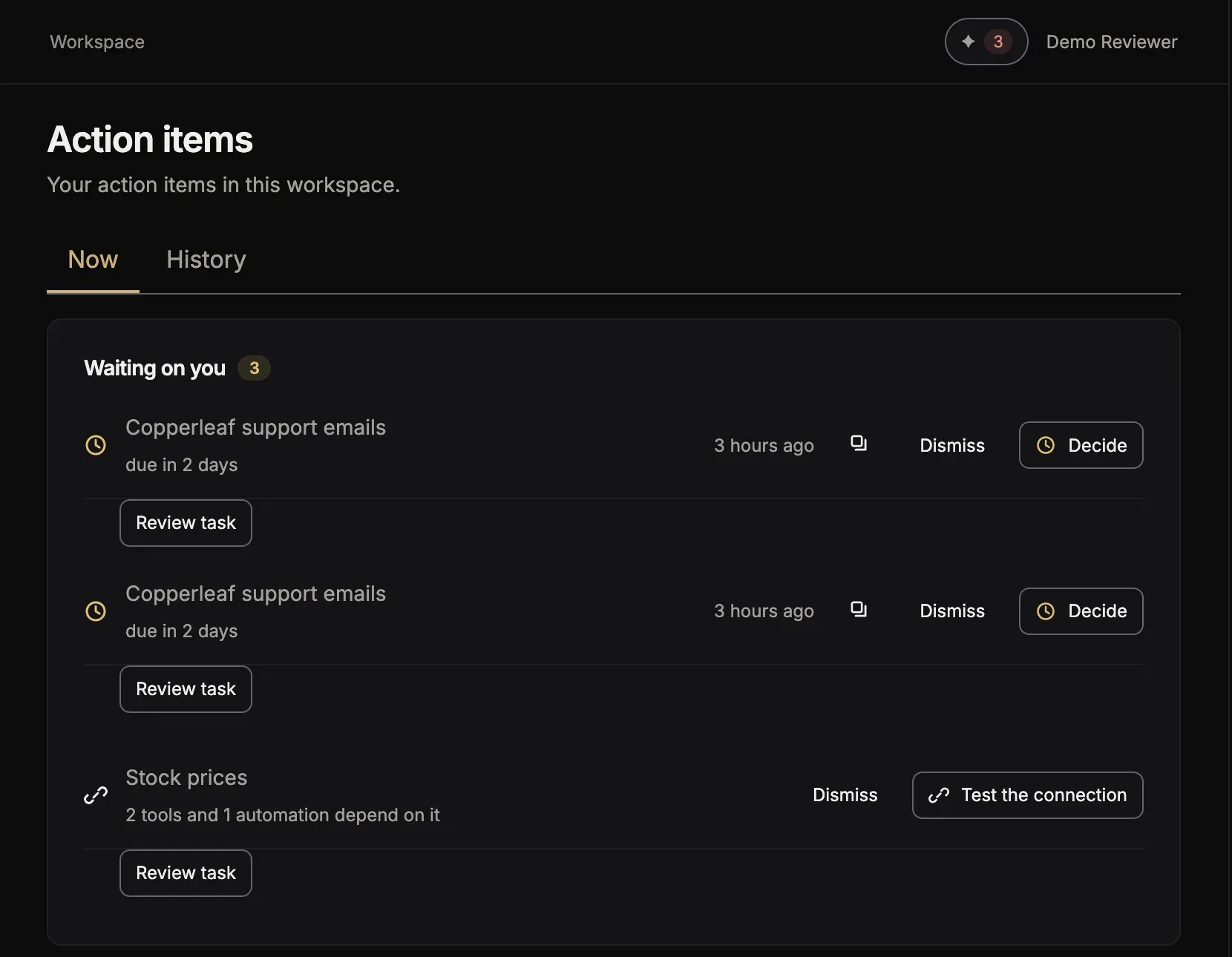
Section titled “What waits for you”Action items is the first page of your workspace. Its tab Now lists what waits for you:
- a run that waits for your decision or your approval;
- a failed run;
- a key or a password that a tool needs and does not have yet.
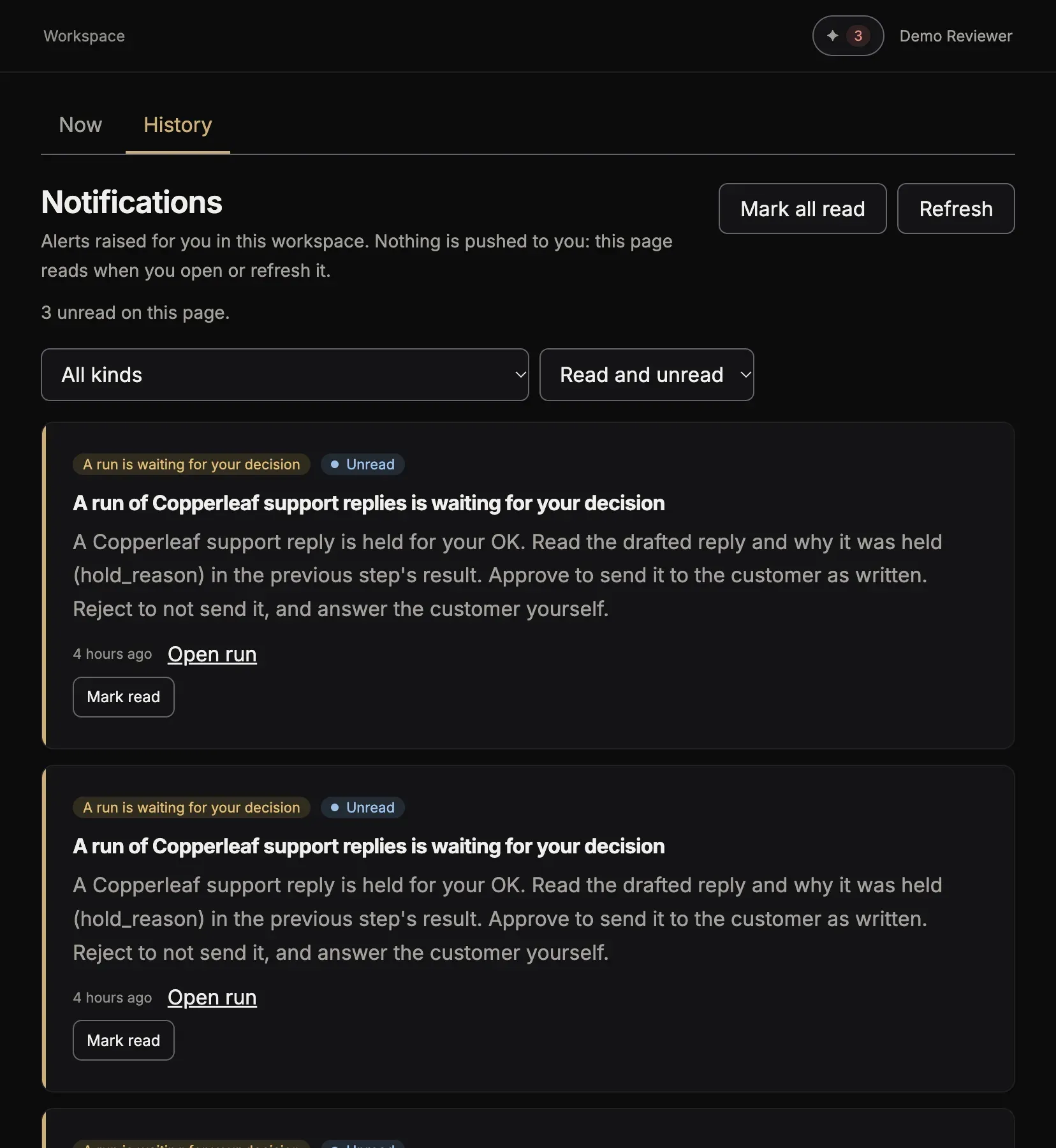
The tab History opens Notifications: each thing that happened, for example a run that failed, a run that waits for your decision, an automation that finished, or credits that run low. Unread only shows what you did not read. The page shows what is new when you open it or refresh it.
Approve a run
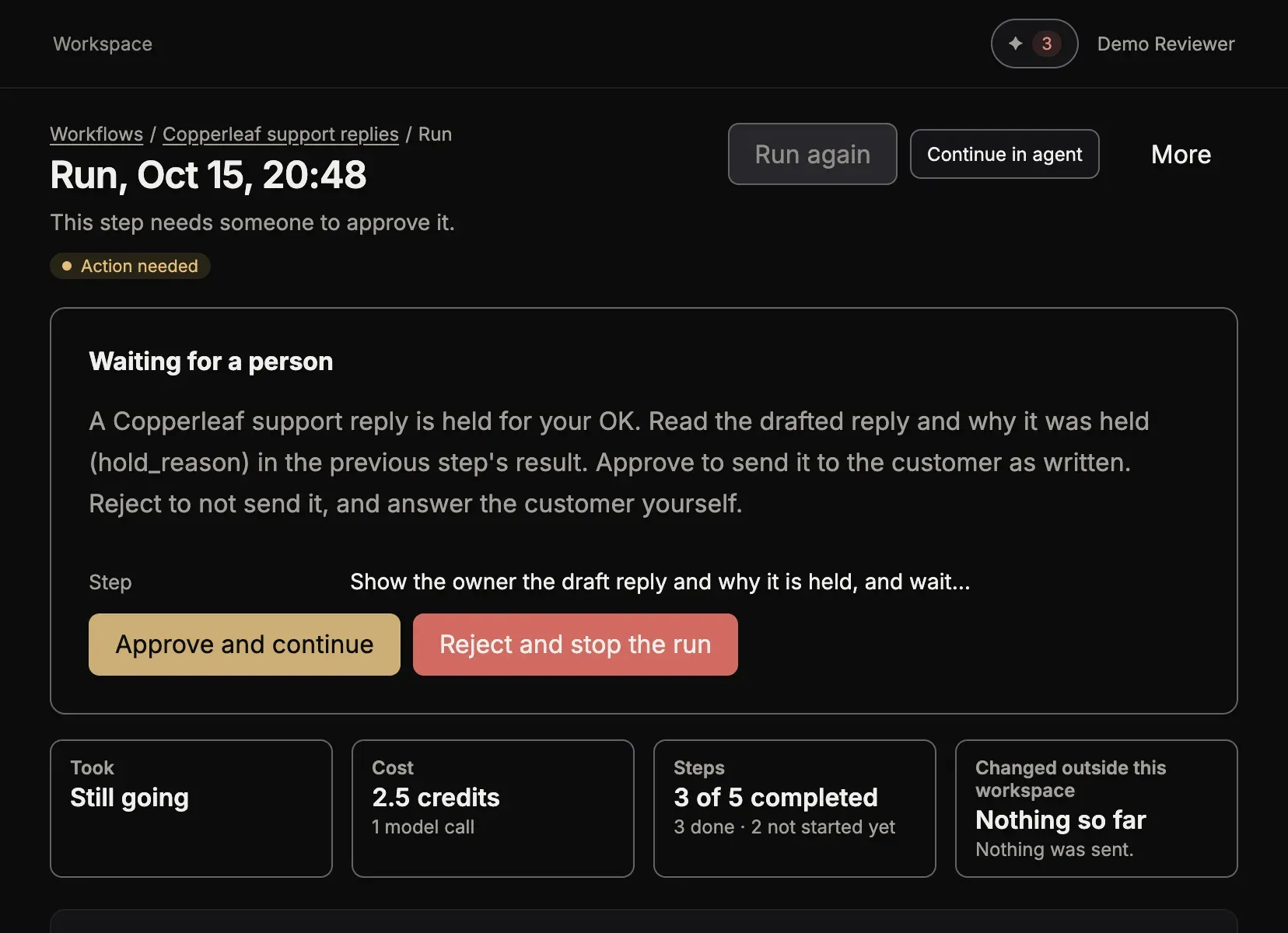
Section titled “Approve a run”A workflow can stop and ask a person, for example before it sends a mail, so that nothing goes out that you did not see. The run then waits. On its page, the card Waiting for a person shows the question and the step:
- Approve and continue lets the run go on.
- Reject and stop the run stops it.
A person with the role “Answers action items” can answer. An administrator can always answer.
In your chat
Section titled “In your chat”Ask “Show me what needs me in Toolscaled.” Your agent lists the items and helps you answer them.